Hi Everyone! My son has just pointed out that the Biblica ‘Bible In One Year’ reading plan is now available for free via the YouVersion app. This app can be downloaded onto Apple or Android devices. Or you can read the text via a computer.
The plan is at: https://www.bible.com/en/reading-plans/19038 (note that number at the end because they have loads of plans)!
To download the YouVersion app itself, get into your preferred device and click on: https://www.bible.com/app . It looks like this:

Once inside the app, it is useful to create an account, using your usual email address – because it helps you sync your reading progress across several devices. But you can switch off notifications if they irritate you. Then choose the version of the bible you want to read it in.
To find the plan itself, search on the words: “Bible In A Year: 365-Day Reading Plan” (type it in exactly like that) and you will see one with this picture:
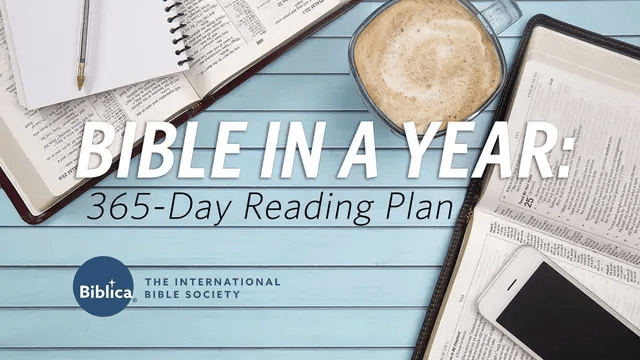
…Click on it and then click on the ‘Start Plan’ button. You are good to go!
You will still need to obtain The Big Picture notes by email, though.
 The Big Picture